Batch Jobs
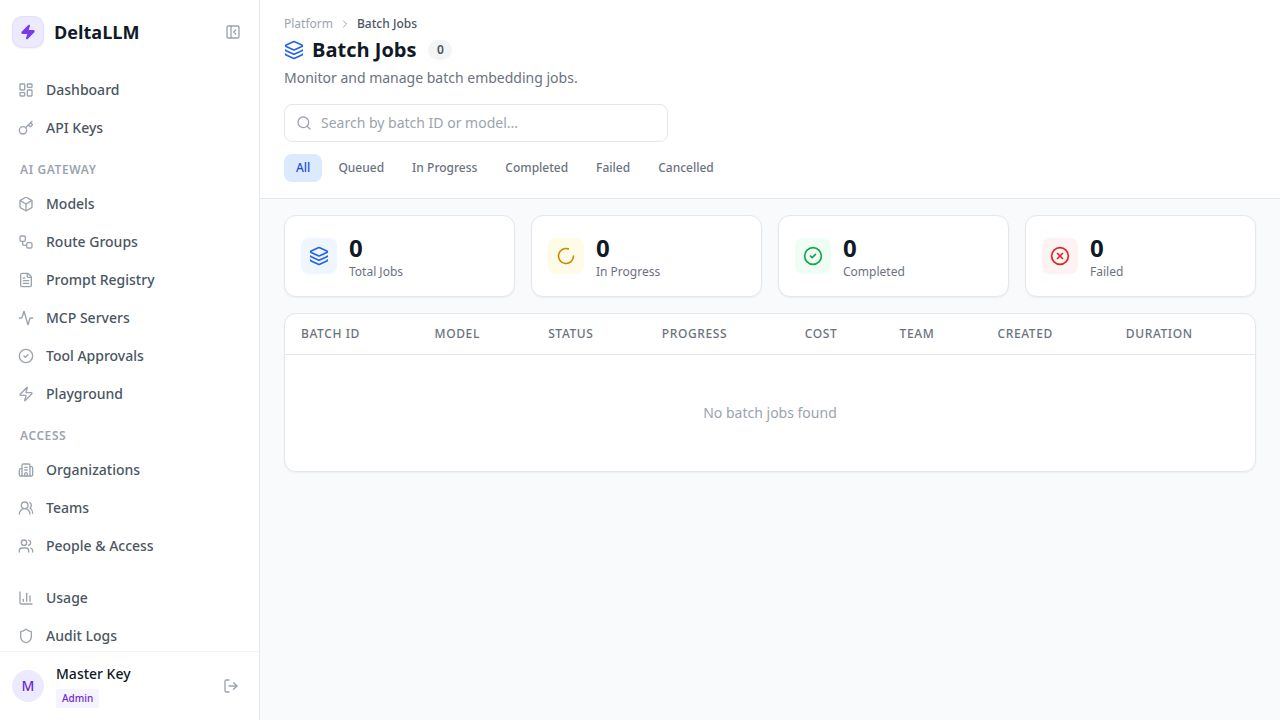
Batch Jobs is the operations view for long-running asynchronous work.
The public batch API supports embeddings and non-streaming chat completion batches. This page helps operators inspect job progress, failures, and cost after submission.
Quick Success Workflow
- Submit a batch through the API
- Open Operations > Batch Jobs
- Filter by status or search by batch ID
- Open the batch detail to inspect progress and failures
- Cancel the batch if needed
What This Page Shows
- queue summary counts
- status-based filtering
- per-batch progress
- total and failed item counts
- team ownership
- estimated or accumulated cost
- timestamps for creation, start, and completion
When To Use It
Use this page when work is not request-response interactive and you need:
- visibility into queued or running jobs
- failure review at the item level
- cancellation controls
- operational reporting after a batch finishes
Related API Surface
The admin backend exposes endpoints for:
- batch summary
- batch list
- batch detail with items
- batch cancellation
The public data-plane API also exposes:
/v1/files/v1/batches
See Proxy Endpoints and Admin Endpoints for the API reference.