Admin UI
The DeltaLLM admin UI is the control plane for model deployments, route groups, prompt rollout, access management, and runtime operations.
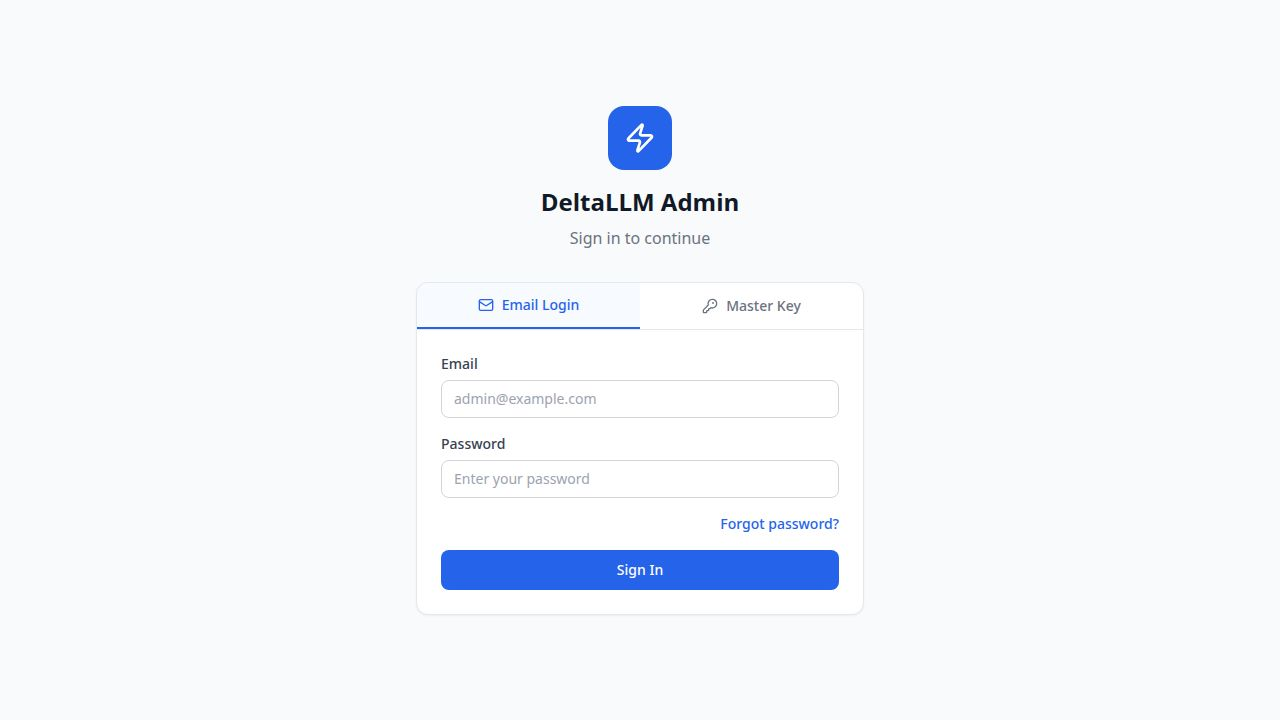
Access and authentication
- Development:
http://localhost:5000 - Single-port / Docker:
http://localhost:4002 - Email login uses the platform account directory and session cookies
- Master key login gives platform-admin access for local operations
- SSO appears automatically when an identity provider is configured
Navigation model
The current UI is organized by operator intent:
- Dashboard: health and spend overview
- API Keys: credential issuance and limits
- AI Gateway: Models, Named Credentials, Route Groups, Prompt Registry, and MCP Servers
- Access: Organizations, Teams, and People & Access
- Operations: Usage & Spend, Audit Logs, Batch Jobs, Guardrails, and Settings
Parent menu sections start collapsed by default and expand only when the operator chooses them.
Role-based visibility
- Platform admins can access the full UI
- Organization users see only the organizations, teams, keys, and users they are allowed to manage
- Audit logs require audit-read access
- Guardrails, Prompt Registry, Route Groups, MCP Servers, and Settings are admin surfaces
Page guide
| Area | Purpose |
|---|---|
| Dashboard | Spend, request, and model activity overview |
| Models | Provider-backed deployments and health |
| Named Credentials | Shared provider connection settings and credential rotation |
| Route Groups | Group-level routing, membership, prompt binding, and usage |
| Prompt Registry | Prompt shells, versions, labels, tests, and history |
| MCP Servers | External MCP server registry, bindings, tool policies, approvals, and health |
| API Keys | Key issuance, ownership, budgets, and rate limits |
| Organizations | Top-level ownership, budgets, and limits |
| Teams | Team-level budgets, memberships, and operating scope |
| People & Access | Platform accounts plus org and team memberships |
| Usage & Spend | Trends, breakdowns, and request logs |
| Audit Logs | Control-plane and data-plane audit history |
| Batch Jobs | Batch processing status and progress |
| Guardrails | Safety policy definitions and scoped assignment |
| Settings | Global runtime, fallback, and cache behavior |
Runtime visibility for models and route groups is governed through callable-target bindings and scope policies. In the UI, organizations choose the allowed top-level asset set, teams and keys can inherit that set or narrow it further in their create/edit dialogs, and People & Access can narrow specific runtime users when required.